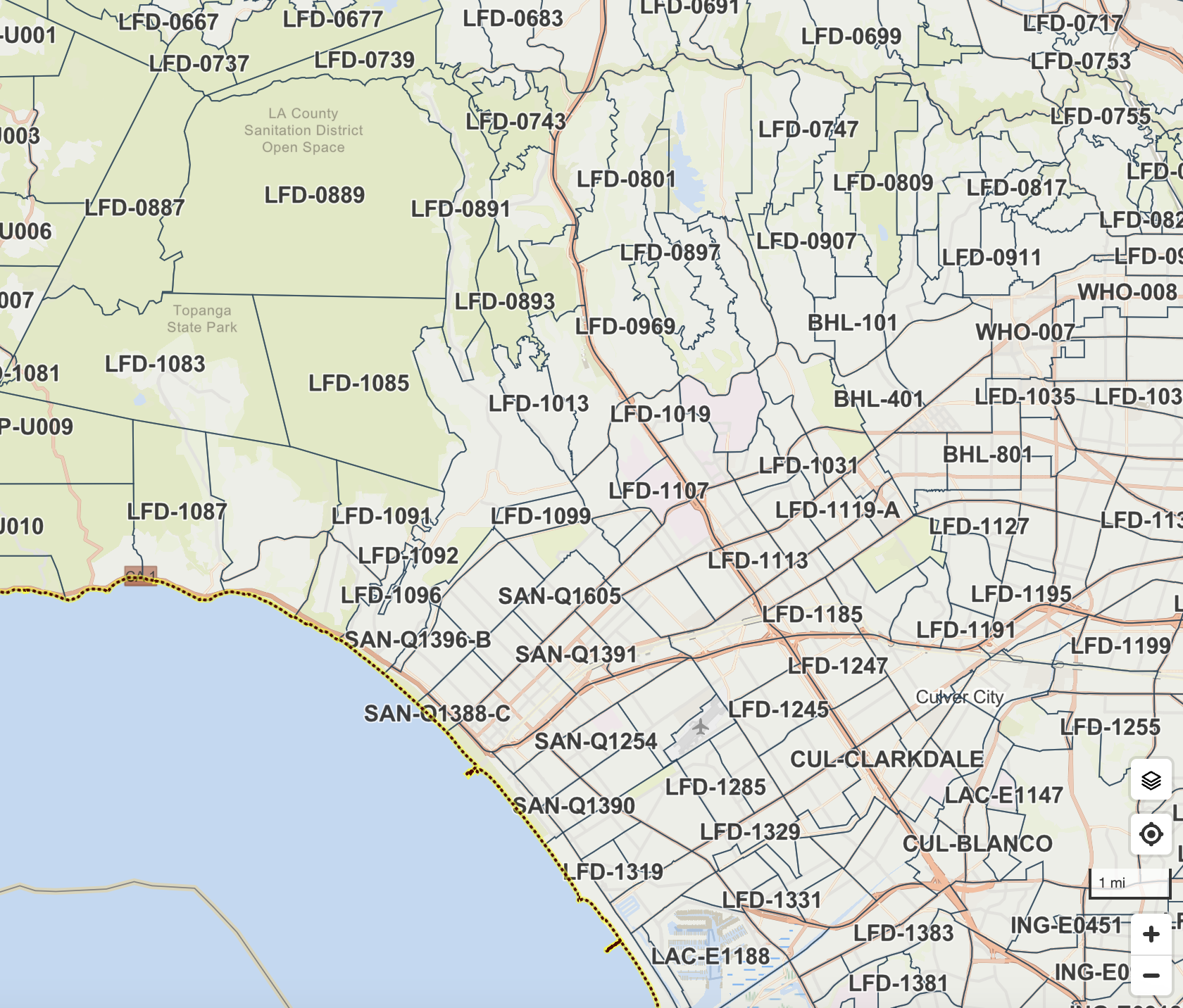
Finding Your Evacuation Zone and Information
Genasys Protect makes it simple to find your zone and easily check its status to help keep you informed and safe. The purpose of Genasys Protect is to provide the community with a public-facing platform to view the status of their zone. Emergency responders update the status of zones to communicate their appropriate level to the public.
Knowing your zone is critical to staying safe during a public safety emergency such as a wildfire, flood, tsunami, hurricane, earthquake, or active shooter incident. Zones will be used in emergency alert notifications to clearly communicate who is impacted by an emergency and what actions should be taken.
Follow the steps below to find your zone and its corresponding status:
Visit protect.genasys.com and type your address into the search bar at the top left.
Genasys Protect is a zone-based emergency management and public safety application that provides real-time alerts, evacuation updates, and shelter-in-place notifications. It helps residents stay informed about hazards like wildfires and floods, while enabling first responders to manage evacuations more effectively. It is widely used for location-based, actionable safety information
In Los Angeles County (including LA City), emergency evacuation maps commonly use standard Genasys/Zonehaven colors: Red for immediate evacuation orders, Yellow for warnings, and Purple to indicate a "Shelter in Place" (SIP) order, requiring residents to stay indoors.
Genasys +1
LA City Evacuation/Zone Map Colors
Red (Evacuation Order): Immediate threat to life; leave now.
Yellow (Evacuation Warning): Potential threat; prepare to leave immediately.
Purple (Shelter in Place): Go indoors, lock doors, and prepare to self-sustain, according to Genasys.
Blue (Advisory): Be on alert.
LAFD. https://lafd.org/wildfire